

Last updated August 2026
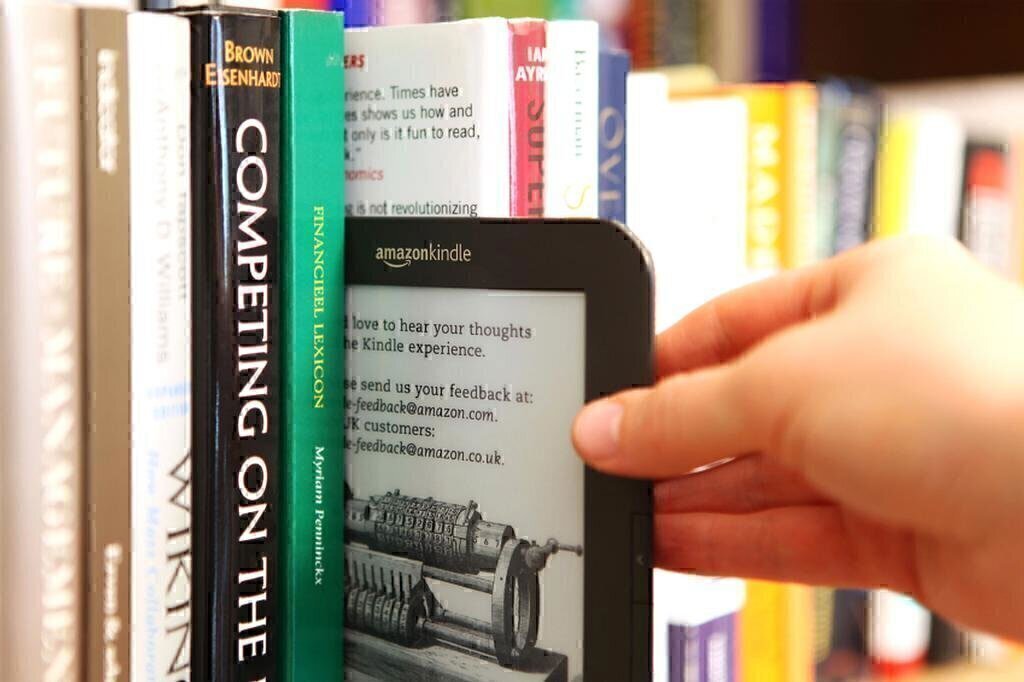
Reading is fun and educational but can be expensive: Prices for new books typically run from $8 to $35; most e-books are cheaper but still cost $4 to $10. Local libraries remain a convenient option for those who want to read for free. And if you switch to an e-reader, you’ll have even more ways to save, via libraries’ digital-lending apps, websites offering free classics, and programs from Amazon and others. Here’s how to access free e-books and other publications legally and easily.
Local Libraries
Almost all libraries buy e-book licenses from publishers and make them available for patrons to download, formatted by device type, through services such as Libby (also great for checking out audiobooks and old-school magazines from the library).
To borrow e-books, you need a library card and a device to display the text (e.g., e-readers and almost all tablets, smartphones, and computers). You can search for titles in your library’s online catalog and check them out (or join the waitlist). Agreements between libraries and publishers vary, and not all authors and publishers allow their titles to be loaned electronically, but most now do. We routinely find dozens of bestsellers, as well as mainstream nonfiction and fiction titles (including recent releases), available for electronic library checkout.
At most libraries, many titles are available for download right away, but if you want to borrow the hottest beach read of the summer or the latest Jenna’s Book Club pick, expect to spend some time on the waitlist (libraries add copies based on popularity, so your wait might be shorter than initially estimated). Don’t see a new title you want? Set an alert on Libby and you’ll get pinged if it’s added.
While libraries typically limit e-book loan periods to 21 days max, for some titles you can specify a longer lending period. After the borrowing period expires, access to the e-book is removed from your device and it can be loaned to other patrons. If nobody is waiting, you can usually renew.
Sometimes there’s wiggle room for library time limits. Because the library or company can take back your borrowed e-book only if you are connected to the internet, you can hang on to an e-book past the due date by turning off your wireless connection before your loan expires. If the e-book is stored on your laptop or smartphone, keeping your device off the grid for even a few days probably isn’t a reasonable strategy. But if you have the title on your e-reader or tablet, you could get a few more days to find out whodunit without going to the back of the line and waiting for the book’s license to become available again.
Books Without Copyrights
Books in the public domain—which usually means they were published more than 100 years ago and are no longer protected by copyright—can be downloaded from several online resources, as can titles with Creative Commons (CC) and other special licensing. The big e-book sellers offer many classic titles for free. Other sites that list old freebies include ManyBooks.net, OpenLibrary.org, and Project Gutenberg.
Freebies from Booksellers
In addition to offering free reads of e-books in the public domain, Amazon, Barnes & Noble, Google Books, and Apple Books showcase frequently changing lists of popular books for free download. They serve as complimentary samples of sorts: Readers who bite on the free novel/sci-fi saga/cookbook and enjoy it may come back to buy the author’s other books. The search terms suggested below will help you find these giveaways. Another shortcut? Search each site for “0.00” to bring up books listed for free, and refine your search from there.
Amazon—Amazon’s First Reads program gives Prime members one free e-book per month, chosen from a selection of eight to 10 editor-picked titles. Non-Prime members can participate but pay $1.99 per pick.
Barnes & Noble—Search for “free e-books”.
Google Books—More than more than 10 million free books available for users.
Apple Books—Download and install the app; then search for “free books” within the Apple Books store.
Simon Teen (a young-adult publisher owned by Simon & Schuster)—Click on the “free reads” menu.
BookBub.com, Bookperk (HarperCollins), and BookSends.com are email newsletters touting discounted books, but they also usually offer one or two books a day for free.
Book-Sharing Programs
You can also share some e-books you buy on Amazon and Barnes & Noble with others, gratis:
Amazon Family lets you share eligible e-books purchased from Amazon with family members (up to one other adult, plus teens and children).
Barnes & Noble's LendMe feature allows its customers to lend eligible e-books to friends and family members, so long as both sides have BN.com accounts. (Not all e-books can be lent, but many can.)
Promotional Downloads
Many writers who self-publish and some publishers release titles for free download for promotional purposes. Websites such as Freebooksy.com, Free-EBooks.net, Obooko.com, and many others let you download no-cost reads. Be forewarned that there are zillions of titles to wade through, sometimes accompanied by scant information, and many of these books are offered for free because there’s no market for them—which is our diplomatic way of saying read at your own risk.
